Receipt of Funds Client Information Request
Content
- Overview
- Walkthrough of Client Information Request
- Reasonable Measures
- When a Client Is Unwilling to Provide Banking Information
Overview
The Receipt of Funds Client Information Request can be found directly within the Receipt of Funds form. This feature allows you to send a secure request to your client so they can enter their banking information remotely on their own device.
Instead of asking the client to provide sensitive banking details directly to their agent, the client can complete the requested information themselves. This provides the client with greater privacy and helps reduce the need for sensitive financial information to be shared through email, text, or other forms of communication.
Once the request is sent, the client can follow the provided instructions to securely submit their banking information, making the Receipt of Funds process more convenient for both the agent and the client while helping protect the client's personal financial information.
Walkthrough of Client Information Request
The Client Information Request is located under 'Account-Related Information.'
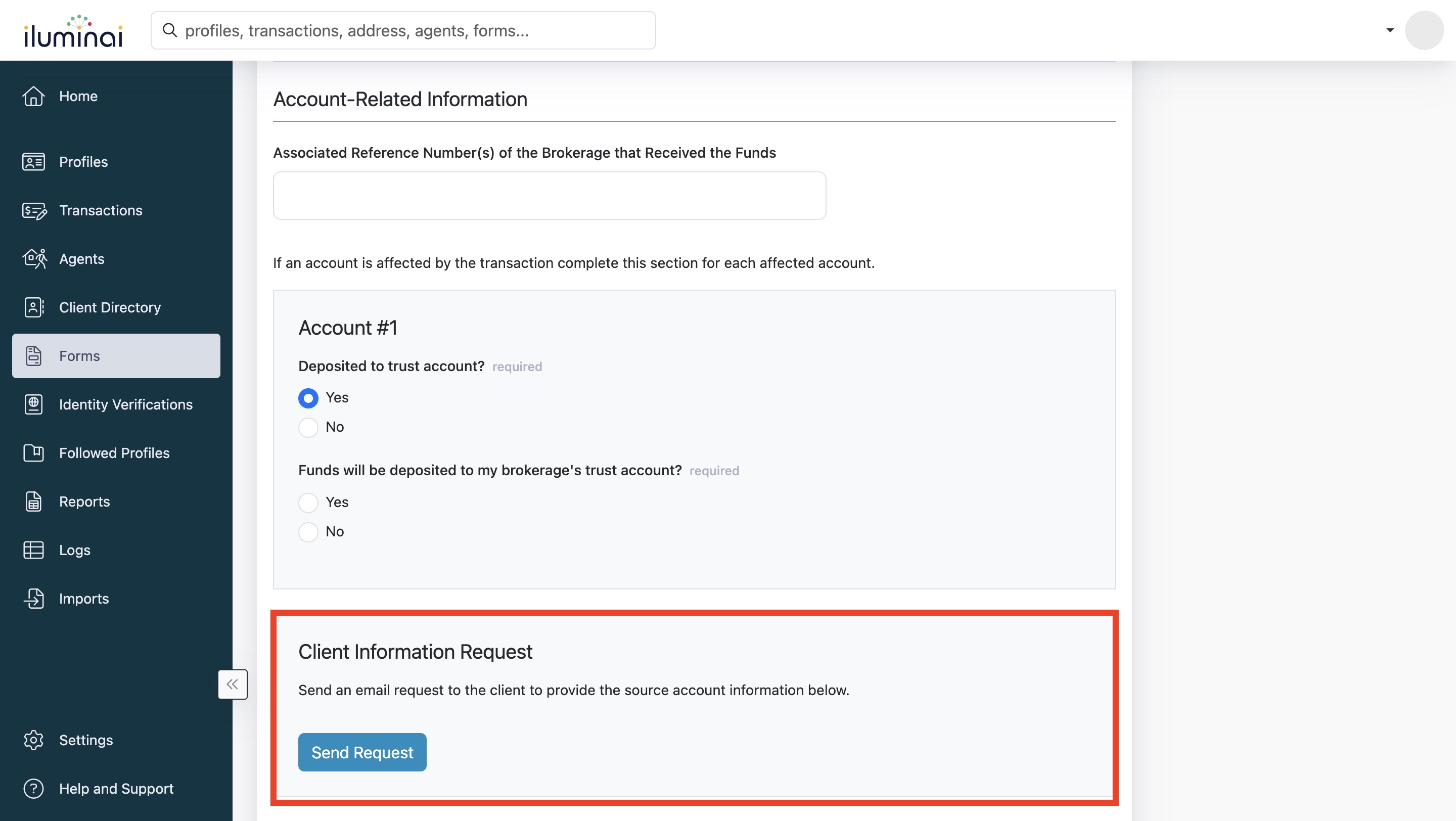
Once you've located it, click on 'Send Request,' and a pop-up box will appear.
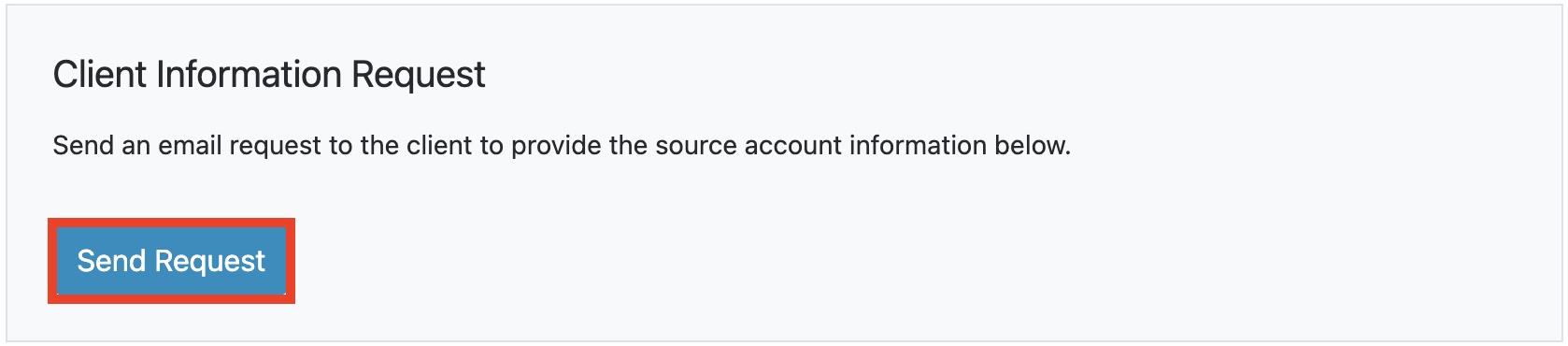
Here, you will enter your client's first and last name and email address. After filling that out, click 'Send Request'
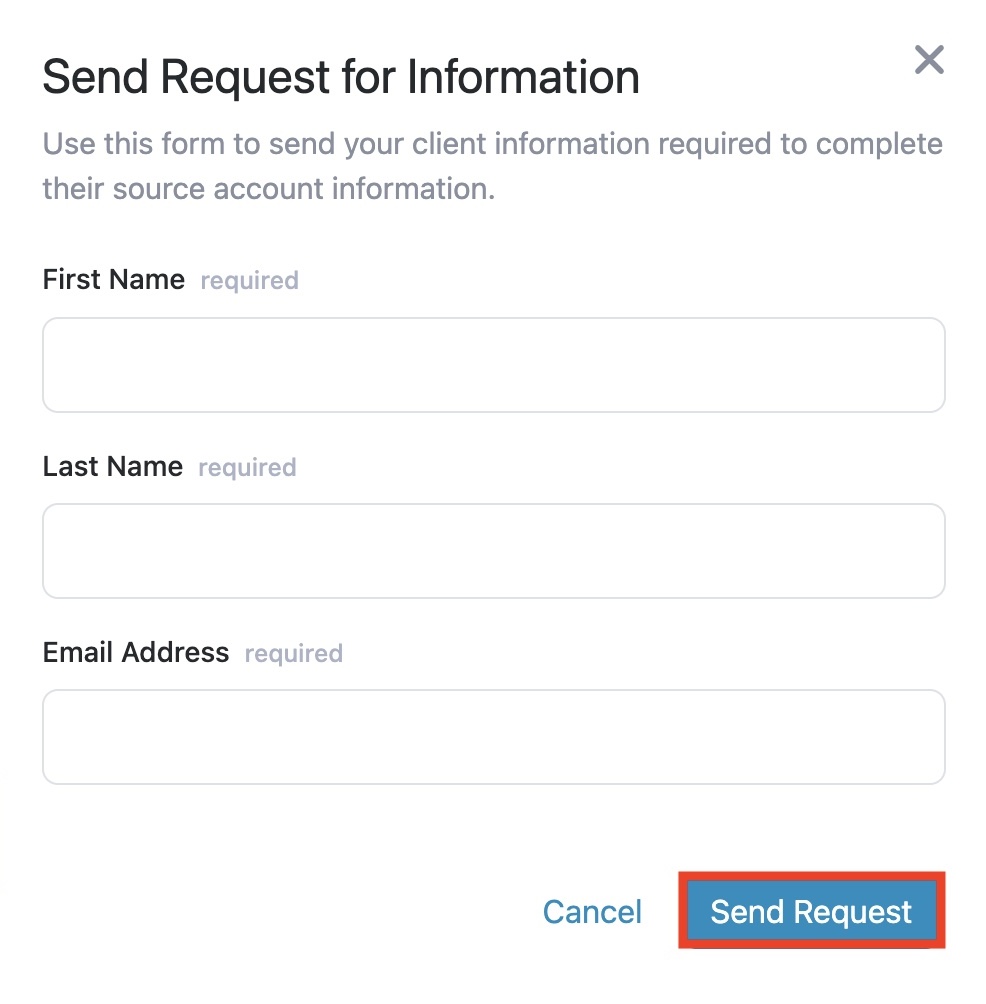
To confirm whether your request was sent, it should show you which email address you sent it to and the time just after clicking 'Send Request' in the previous step.
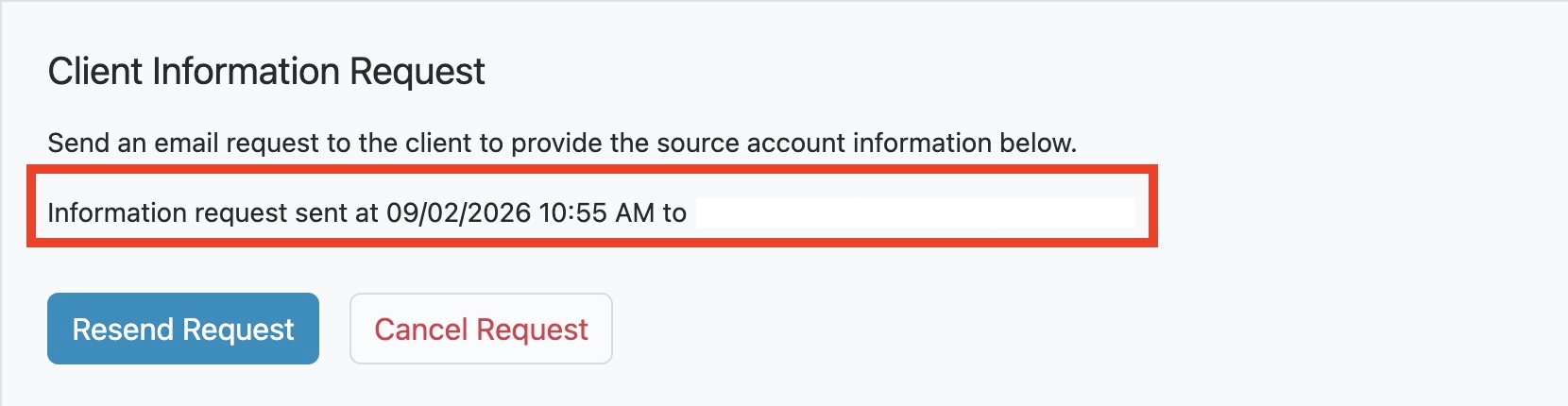
Note: When you send a request for a Client Information Request, it will make some sections within your Receipt of Fundsread-only until the request has been filled out OR you can cancel the request to make it editable again; however, this means your request does not get sent to your client.
Resending Request
You have the option to re-send the request; this typically is because the email address may be typed incorrectly or your client wants it sent to another address.
- Click on 'Resend Request'

- A pop-up should appear, and then make any corrections needed. Click on 'Send Request' once done.
Note: Make sure to get your client to check their Junk/Spam inbox, as the request may land in there if it is not in their main inbox.

Cancelling Request
You have the option to cancel the request; this is typically because the client decides to provide the information to you personally to fill out for them, or manual changes to the form need to be made.
- Click 'Cancel Request'

- A pop-up box should appear to confirm that you want to cancel the request. Click on 'Cancel Request' once you are sure you want to proceed.

- After the 'Client Information Request' should go back to normal as it was before sending a request. You are welcome to send a request again; there are no limits.

Reasonable Measures
When a client doesn't want to provide information?
If your client doesn't feel comfortable providing their bank information or even filling out the 'Client Information Request' (which is a remote way for clients to fill out their own banking information without providing it to the agent) if you scroll down to 'Reasonable Measures.' Instead of clicking 'Yes,' you would click 'No,' which will make the fields in the ' Account #2 ' section not required, and you can proceed to save the form without your client's banking information.
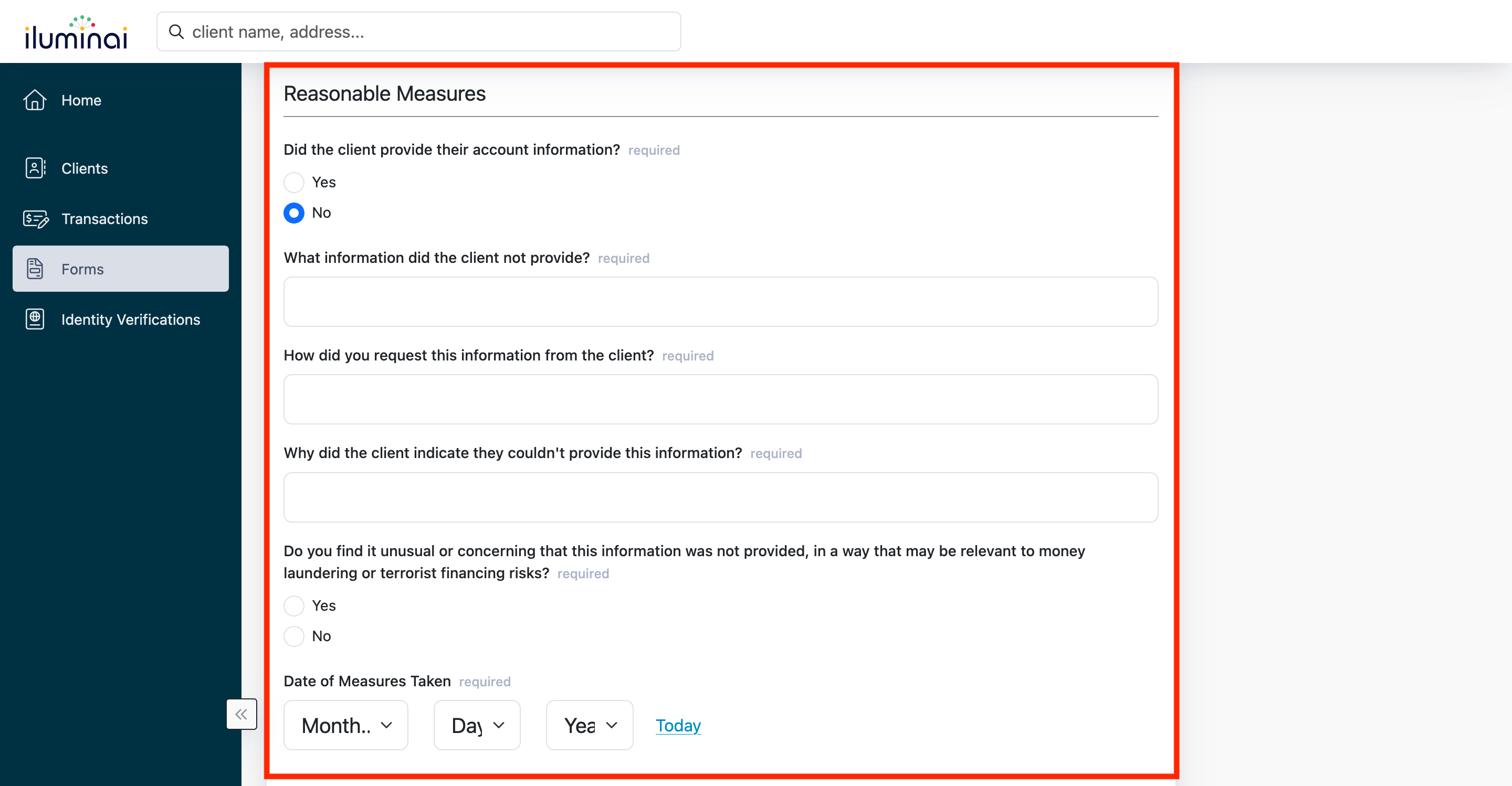
Note: Since your client doesn't want to provide the following information, it could (and should) be raised as a suspicion with your brokerage's compliance officer.
If you have sent out a 'Client Information Request' and your client has personally told you that they don't feel comfortable giving out information or that they don't agree to provide the information on the request, then the fields below will be 'read-only'
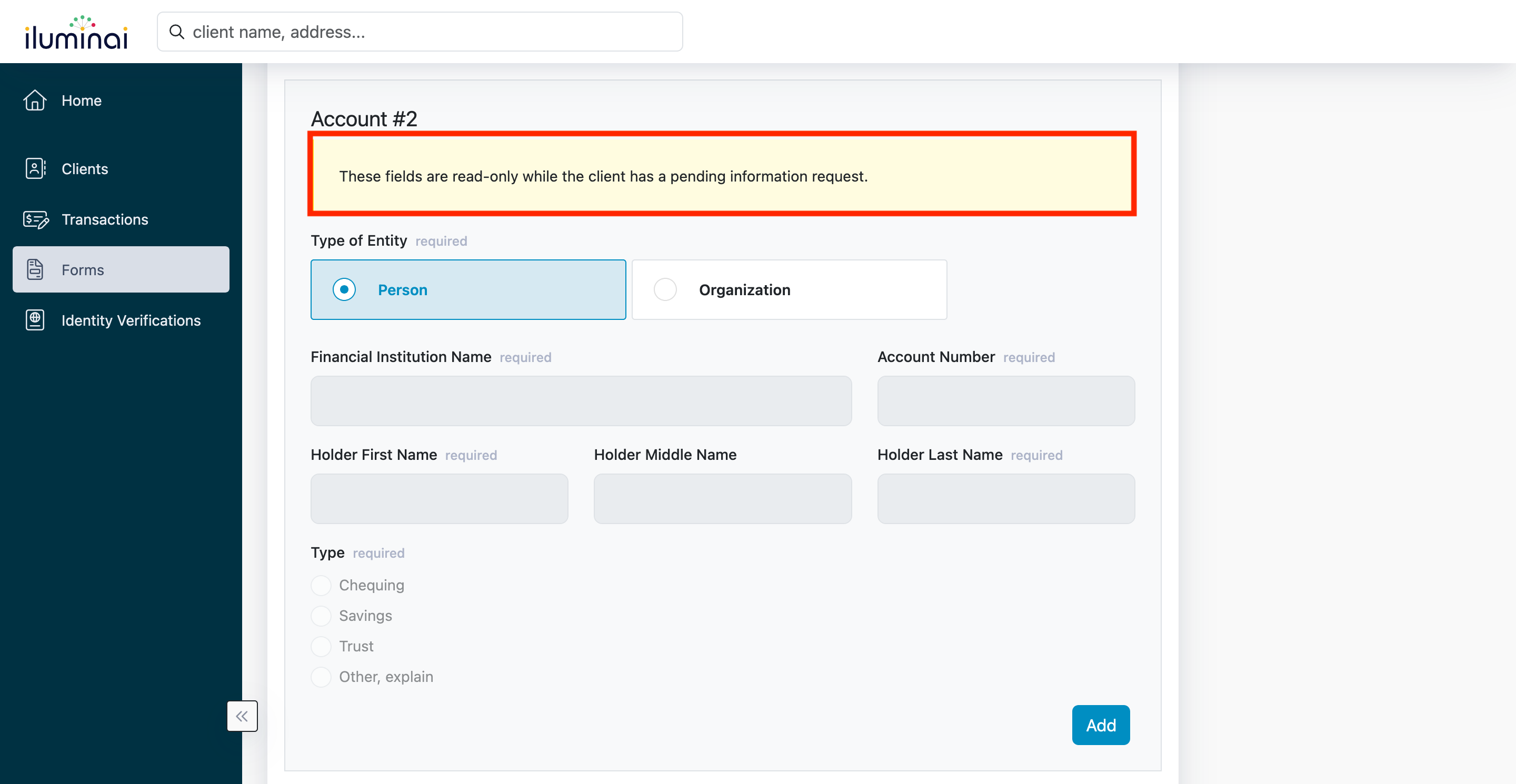
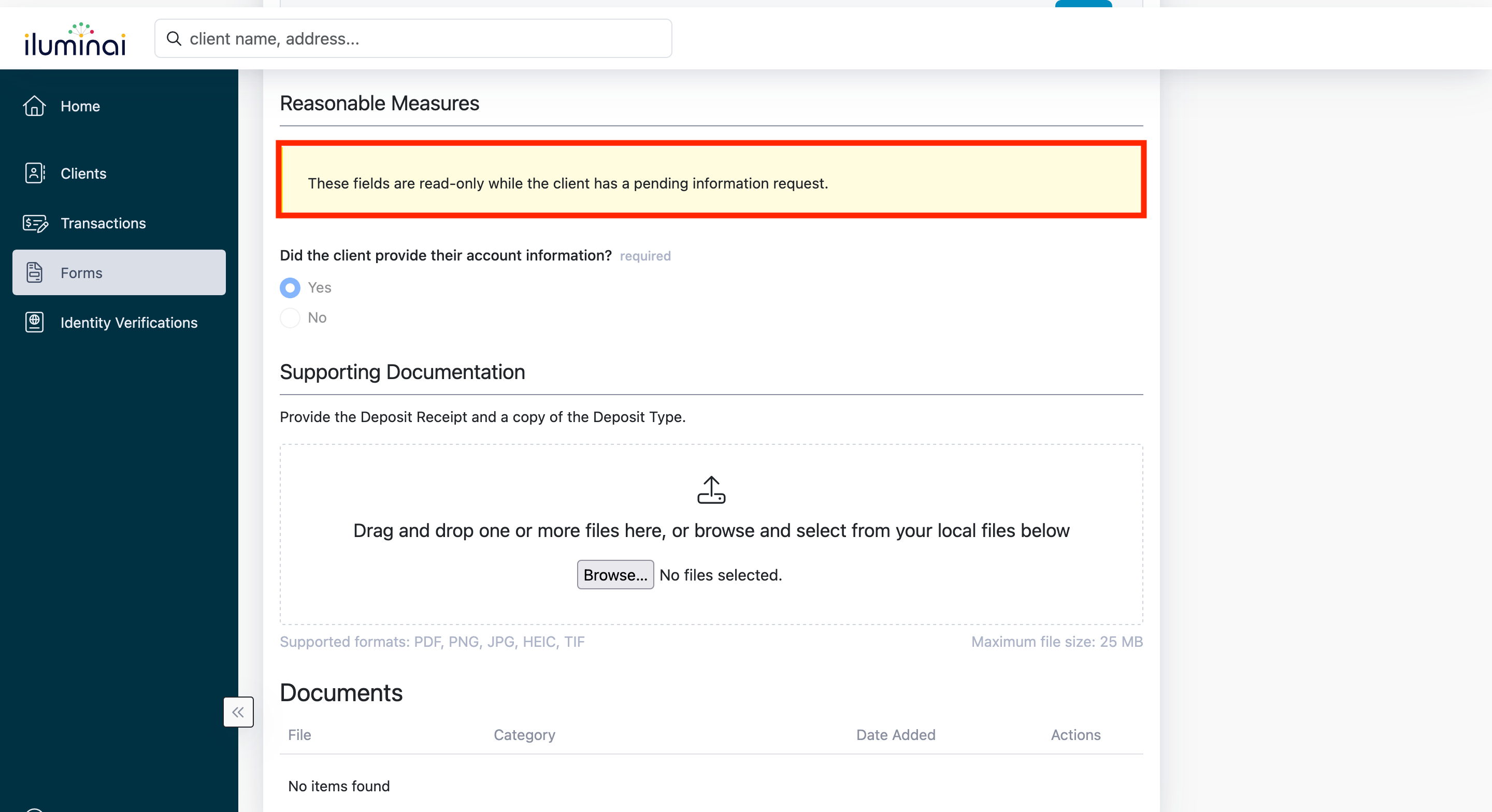
Note: You must cancel 'You must cancel the 'Client Information Request' to make this accessible for changes.'